Free tools
Safe Zones
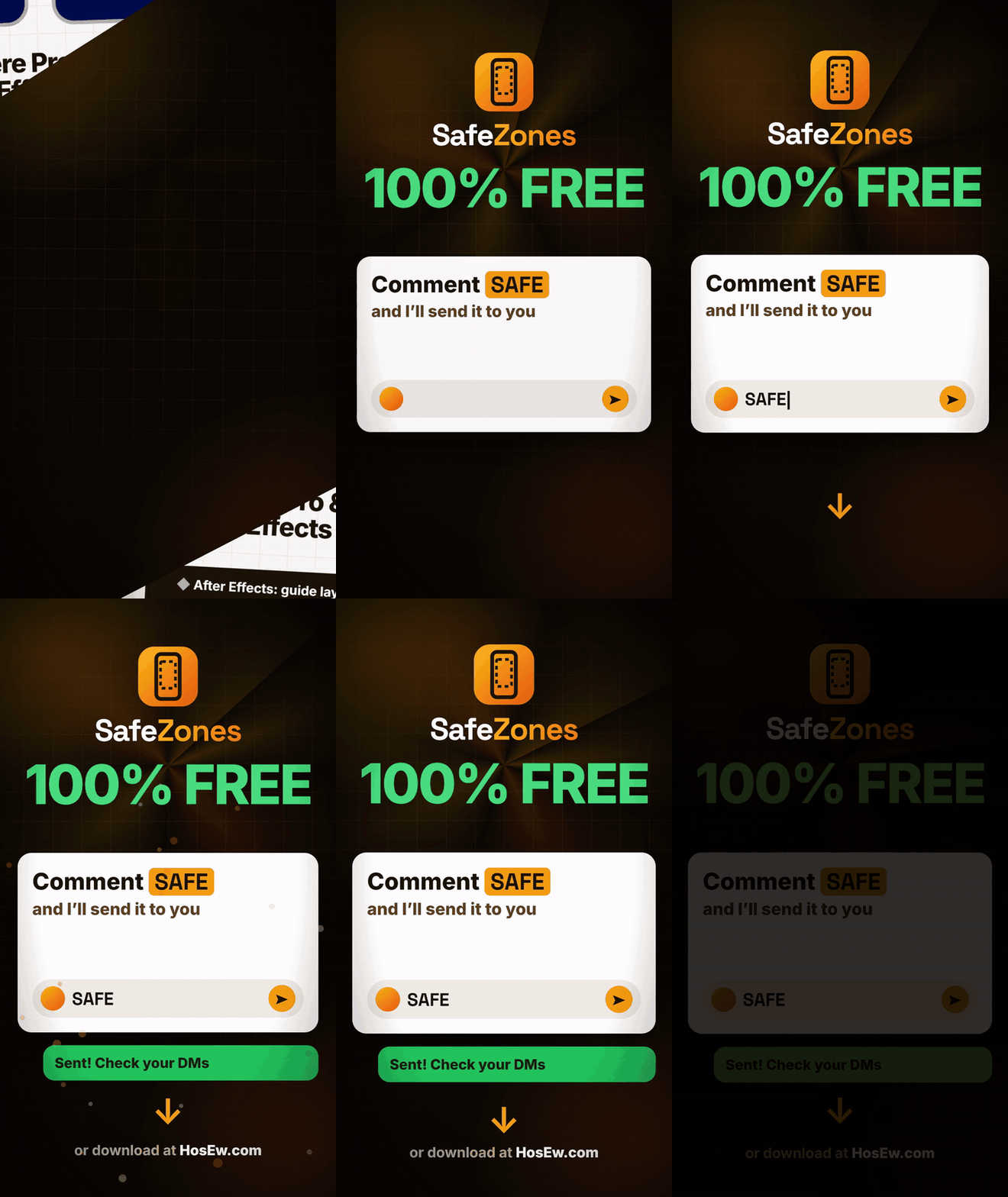
See what TikTok, Reels, Shorts and Facebook will cover on your video, right inside Premiere Pro and After Effects. 100% free.
PrPremiere ProAeAfter Effects
Overview
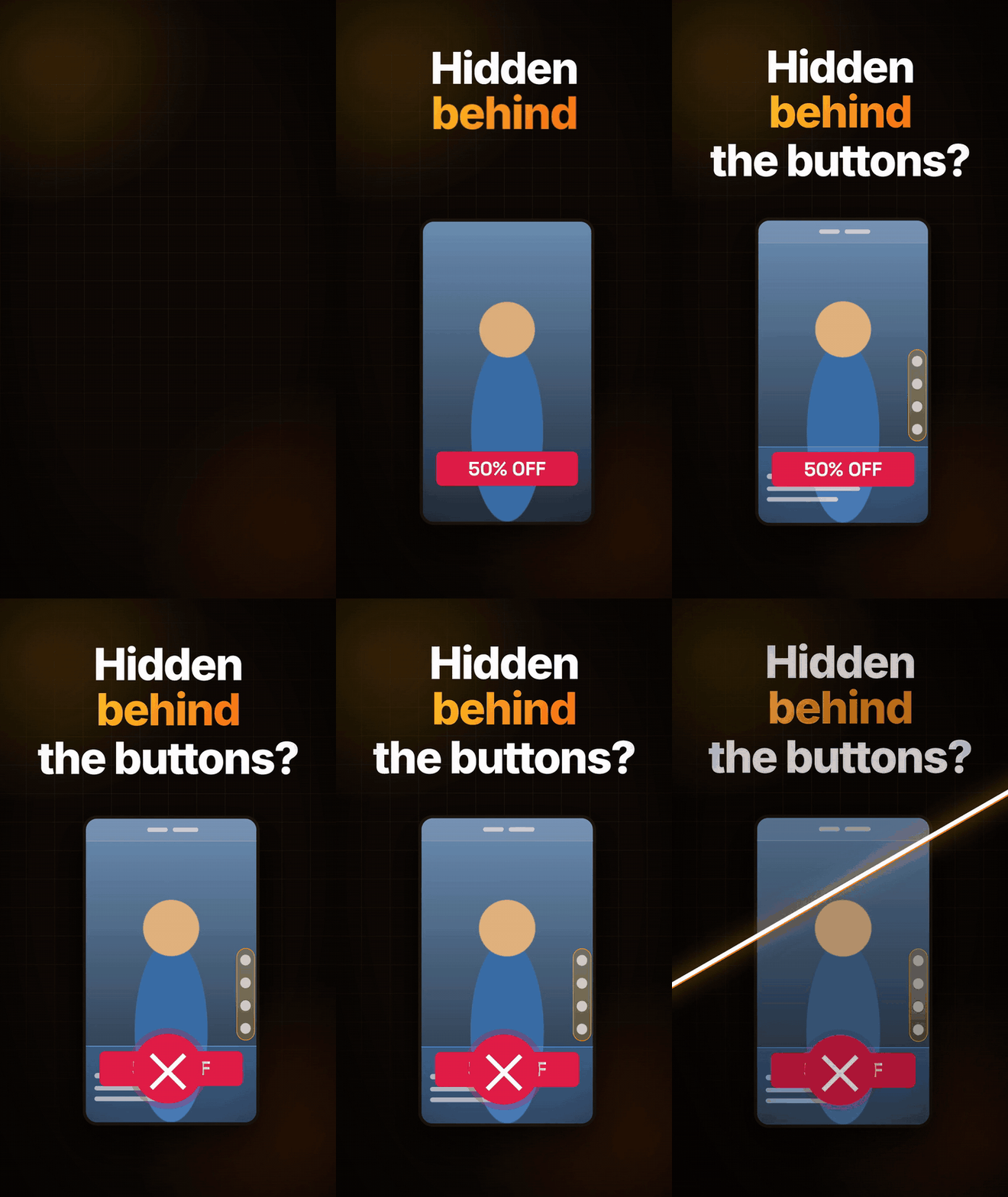
Stop hiding your text behind the app buttons.
Safe Zones shows you exactly what TikTok, Instagram Reels, YouTube Shorts and Facebook Reels will cover on your vertical video, right inside Premiere Pro and After Effects.
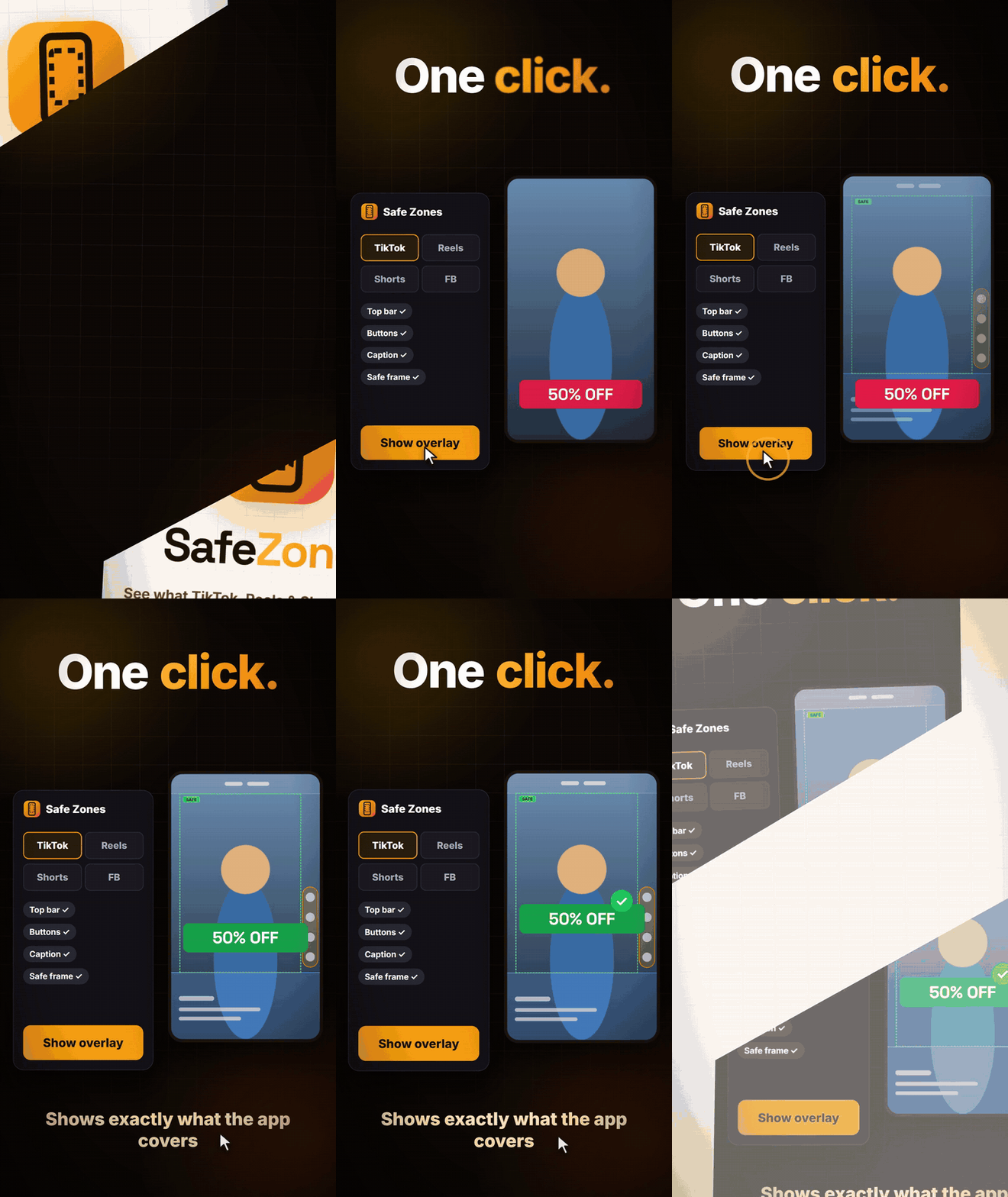
⚡ One click puts a safe-zone overlay on your sequence or comp.
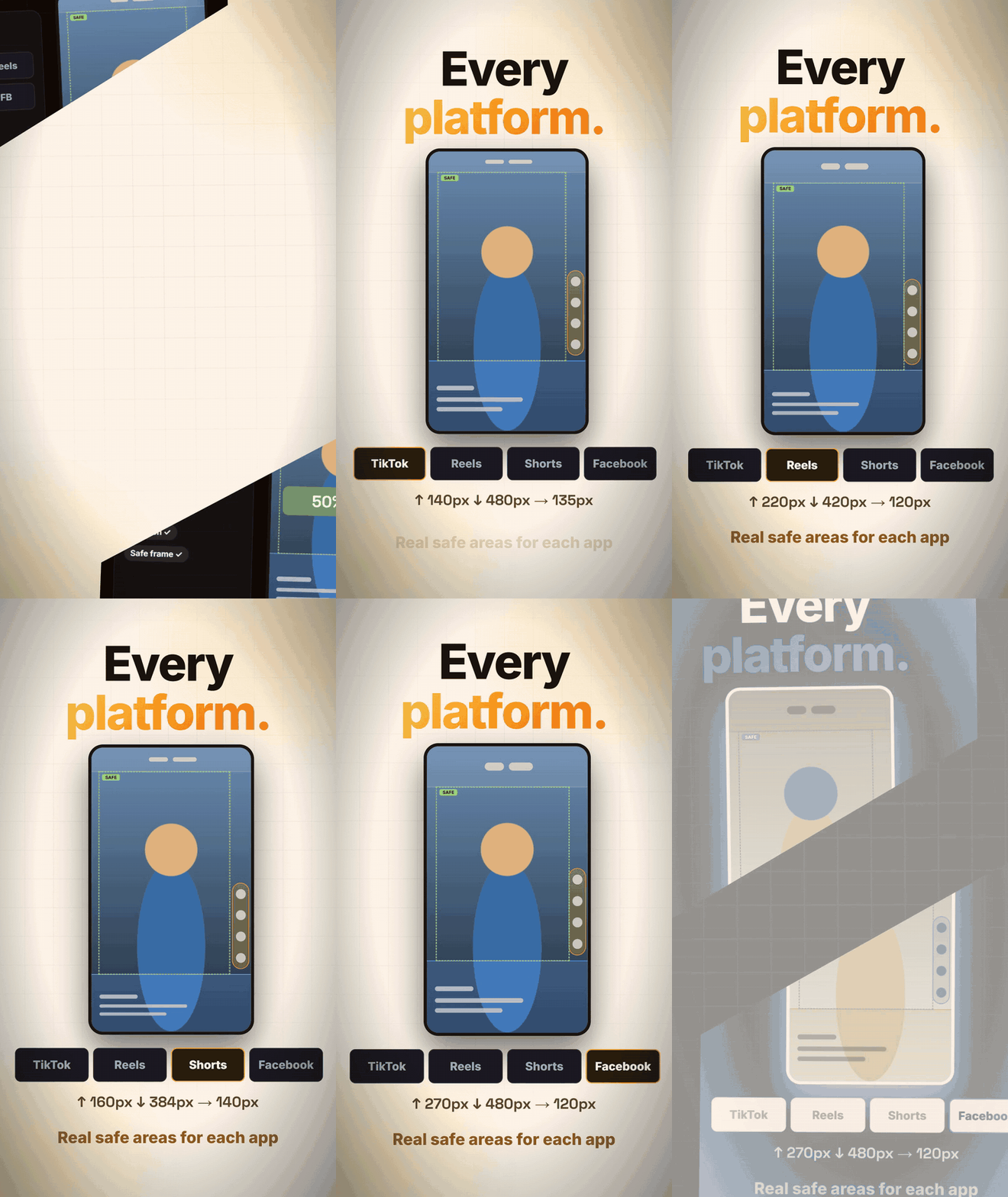
📱 4 platforms: TikTok, Reels, Shorts and Facebook, each with its own safe area.
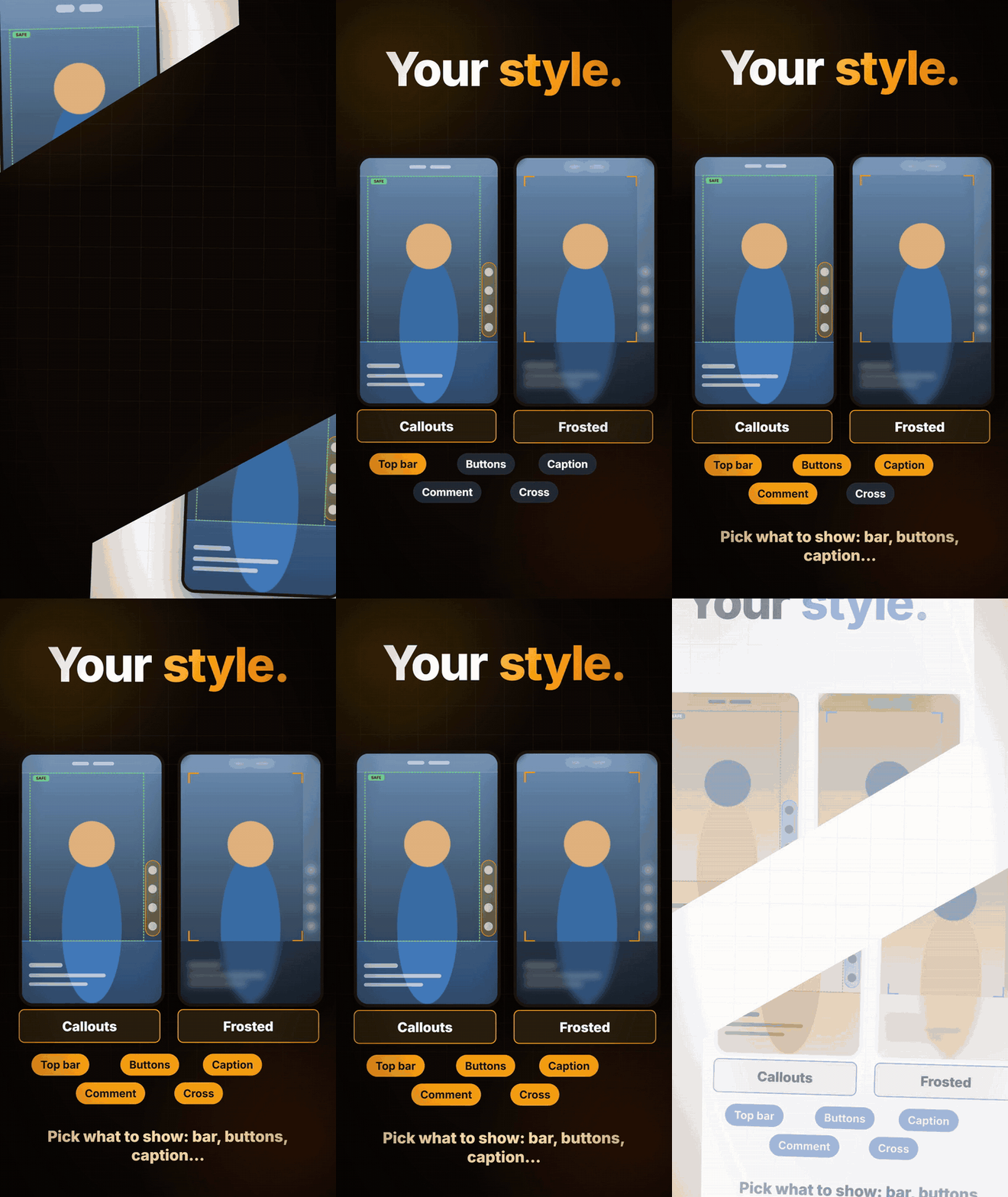
🎨 2 styles: Callouts (colour-tagged areas and a dashed SAFE box) or Frosted (blurred glass and corner brackets).
✅ Pick what to show: top bar, side buttons, caption, comment box, safe frame and centre cross.
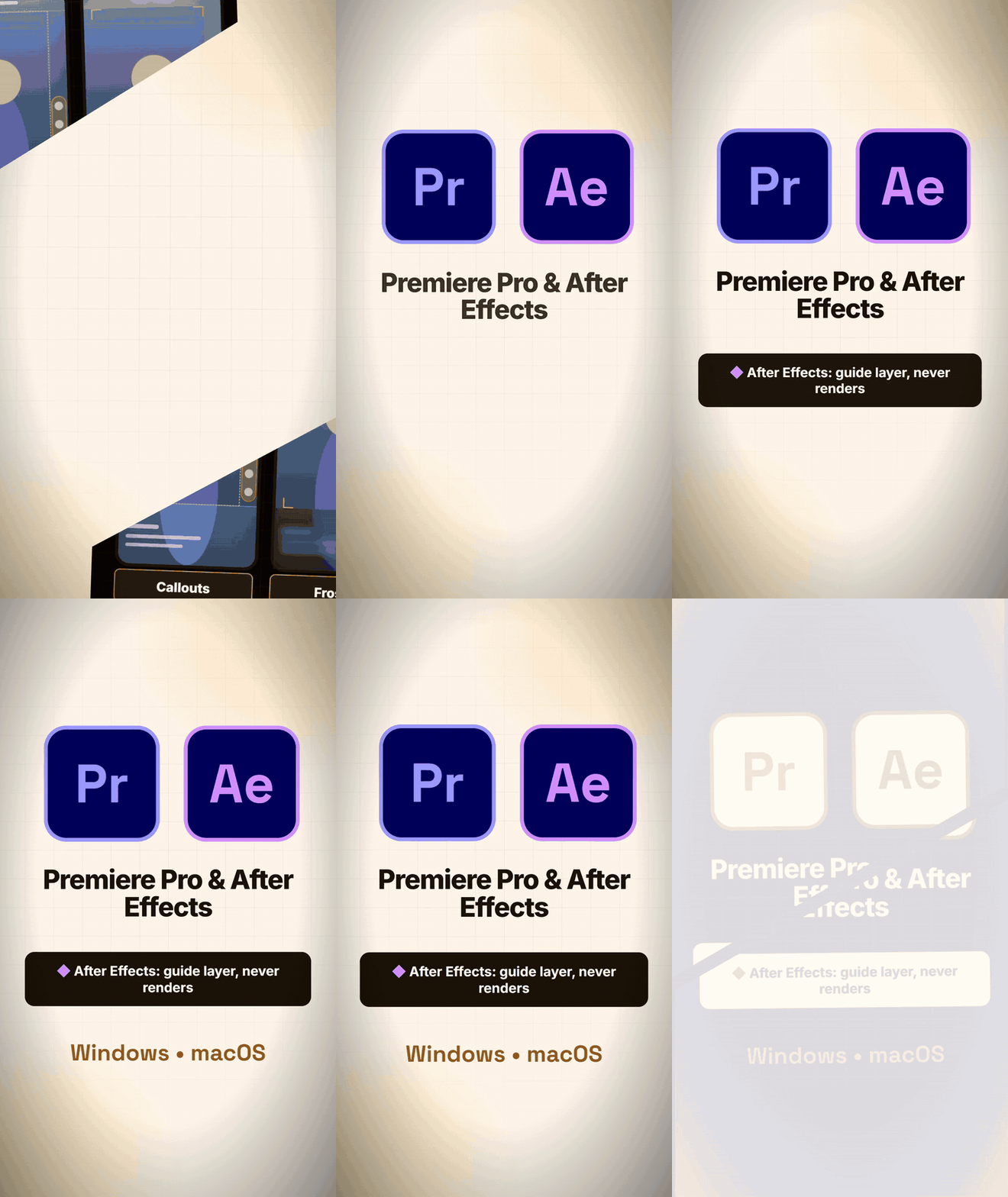
🎬 In After Effects it is a locked guide layer, so it never renders. In Premiere Pro it sits on the top track; click Hide before you export.
Windows and macOS, Premiere Pro and After Effects 2020 or newer. Completely free.
Built by an editor, for editors.
See it in action
Short clips of the real panel.
Frequently asked
Which apps does this work with?+
Safe Zones works with Premiere Pro, After Effects.
How do I install it?+
Download the package and follow the included install steps. Most installs take less than a minute.
Is this really free?+
Yes — free to download and use, with no hidden upgrades.
Where can I get help?+
Reach support via email or WhatsApp for quick help.
Ready to try Safe Zones?
100% free — install in seconds.
Safe Zones
FREE