Skip to content
Snappy BG Remover
AI

Snappy BG Remover

Removes image backgrounds inside Premiere Pro and After Effects in one click, on your own computer, with nothing uploaded.

PrPremiere ProAeAfter Effects

Overview

Less background. Less time. A panel for Adobe Premiere Pro and After Effects that removes image backgrounds in one click. Select clips on the timeline and press Process: the cutout goes back in place, or into a bin. Process many clips at once. Three quality modes: Standard (best all-round), Sharp edges (products, objects, logos) and Soft edges (hair, fur, glass, smoke). Feather and invert the matte, and apply the included After Effects effect to any layer. Everything runs on your own computer. Fast on NVIDIA GPUs (about half a second per image), and it also runs on the CPU, more slowly. The setup is only 12 MB. The AI runtime and models download once, on first use, from their official sources. Windows 10/11 (64-bit). The setup isn't code-signed yet, so Windows may ask you to click More info, then Run anyway. Free updates within version 1 from your Gumroad library. 14-day refund, no questions asked. Built by an editor, for editors.

See it in action

Short clips of the real panel.
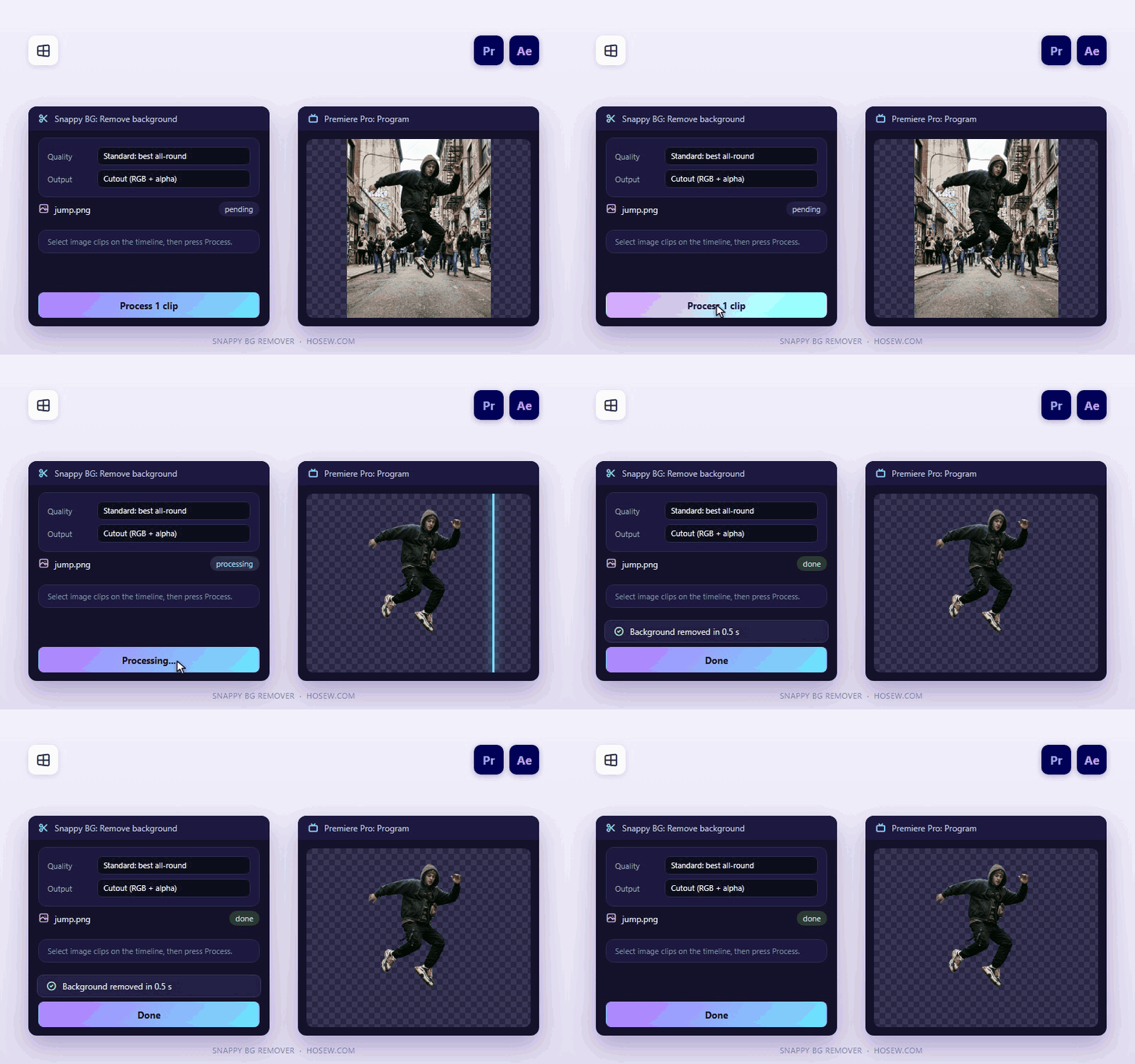
Remove a background in one click
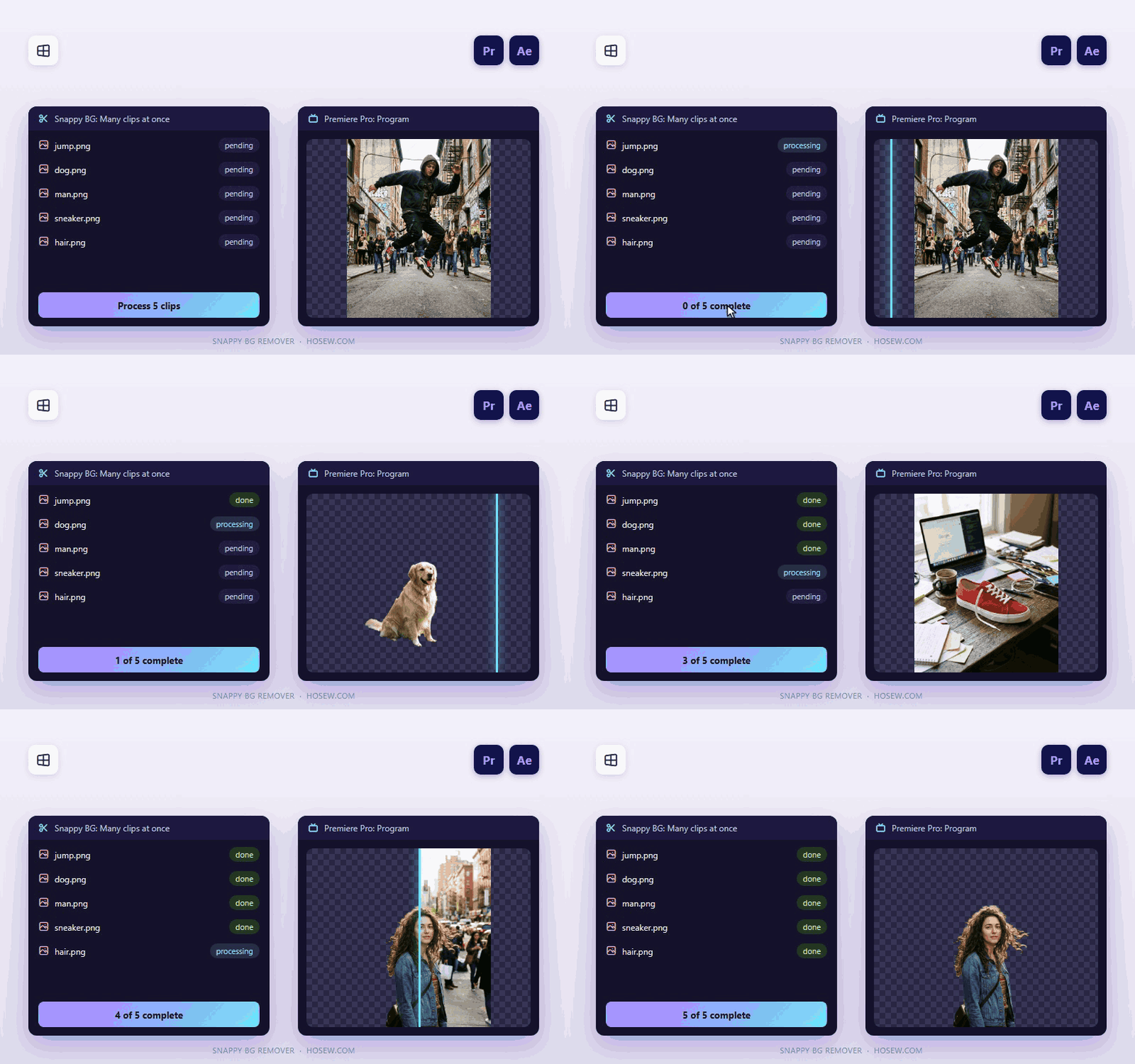
Process many clips at once
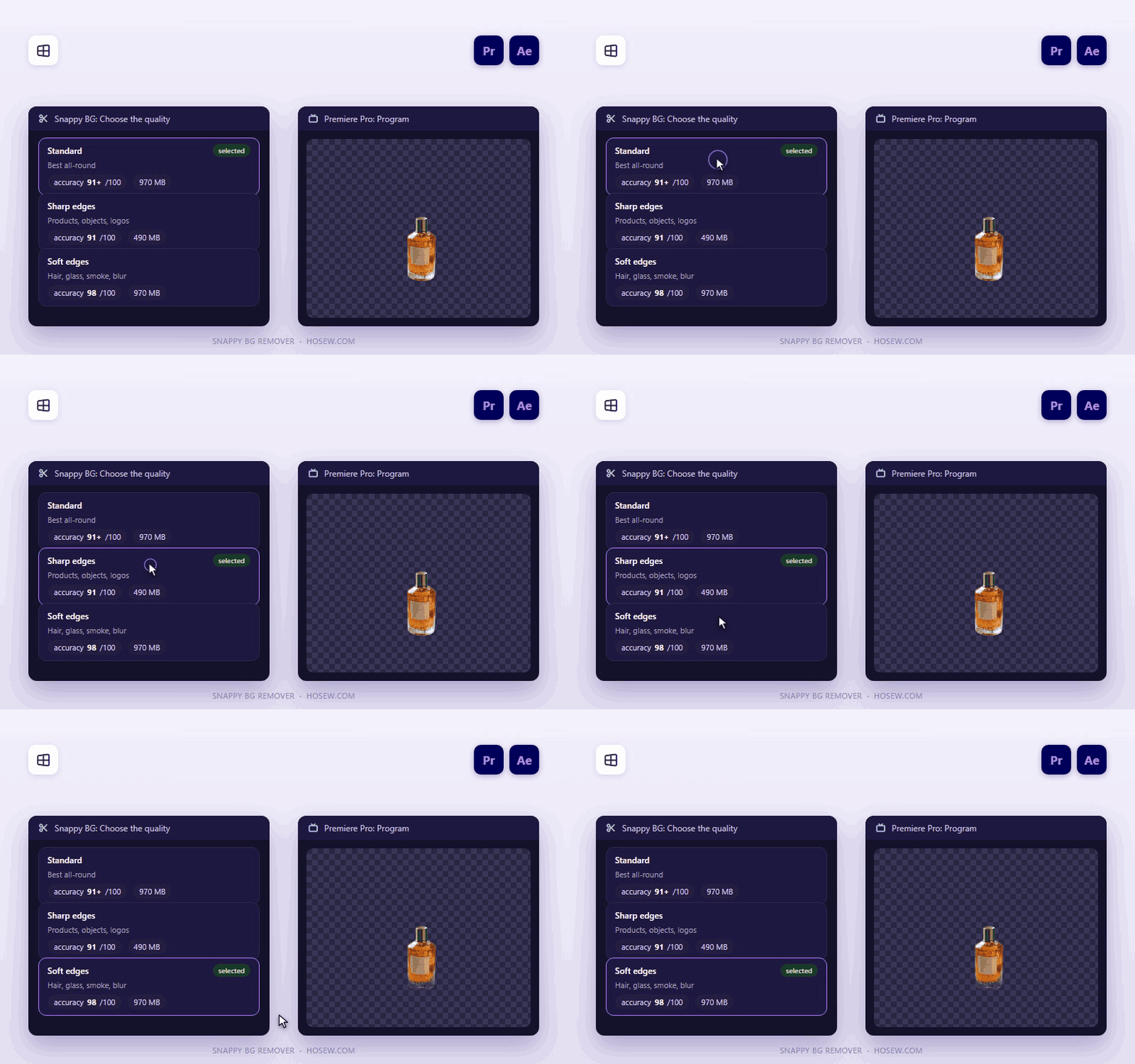
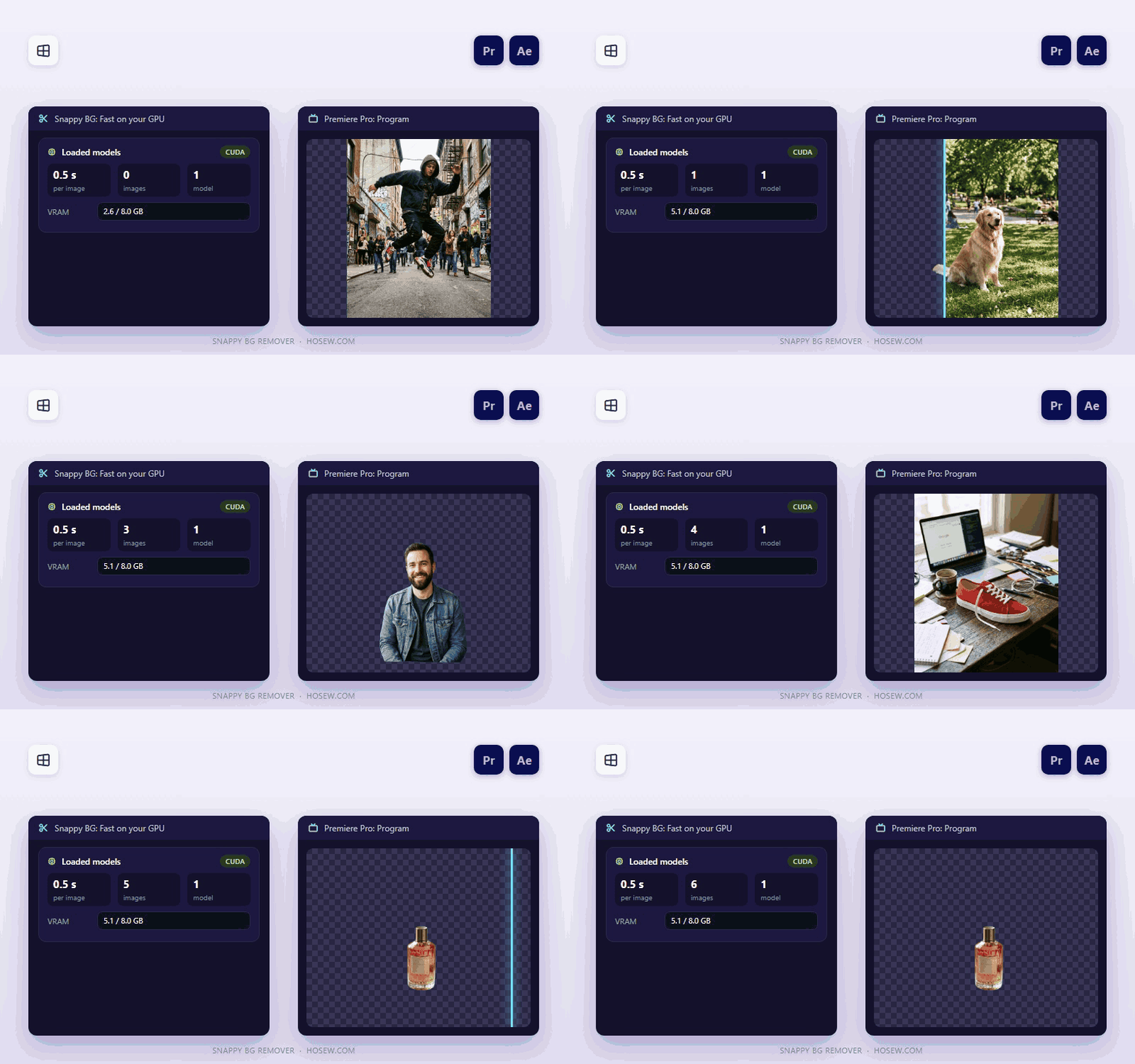
Three quality modes
Three quality modes
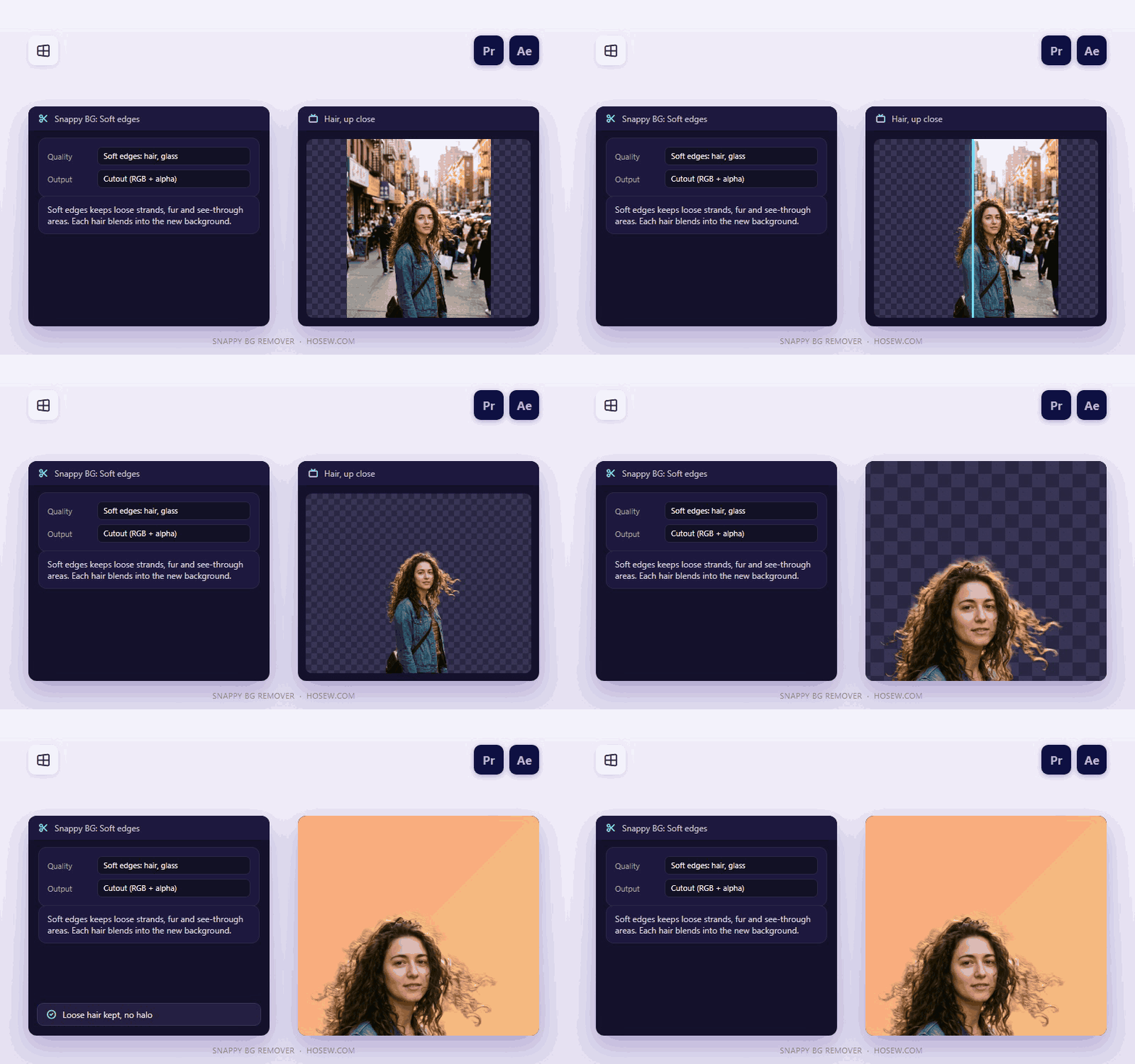
Soft edges keep hair and fur
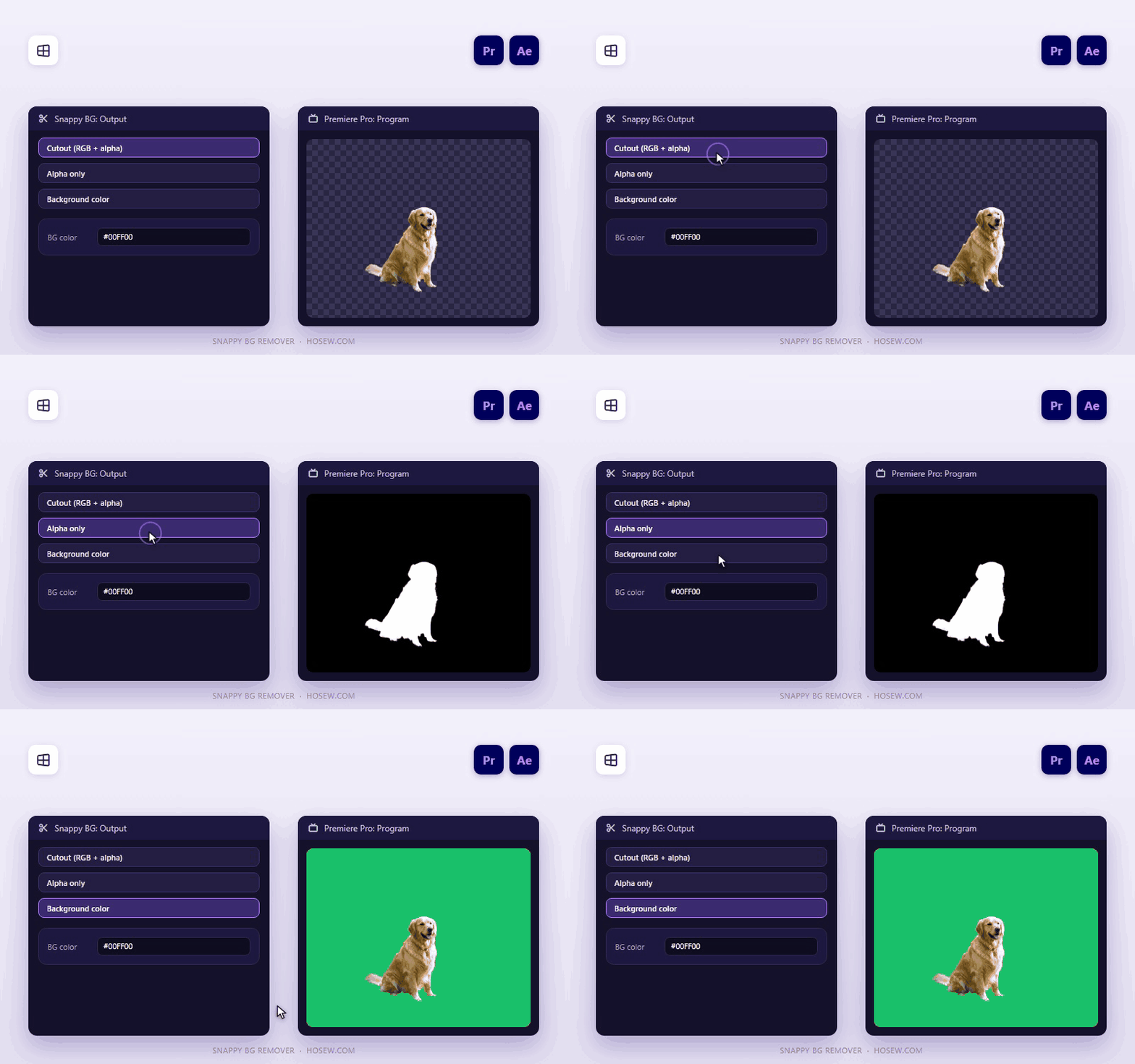
Cutout or matte output
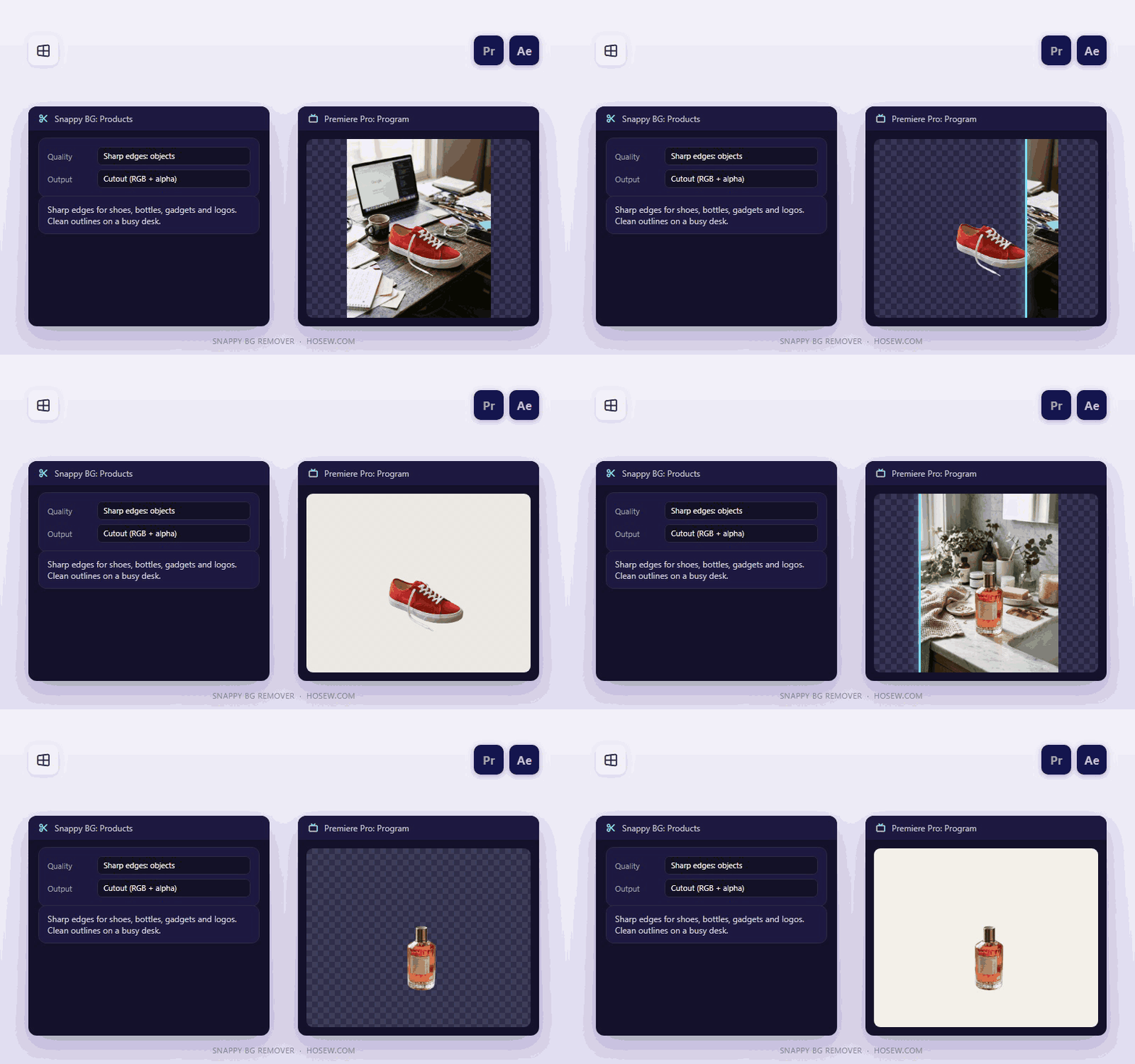
Sharp edges for products and logos
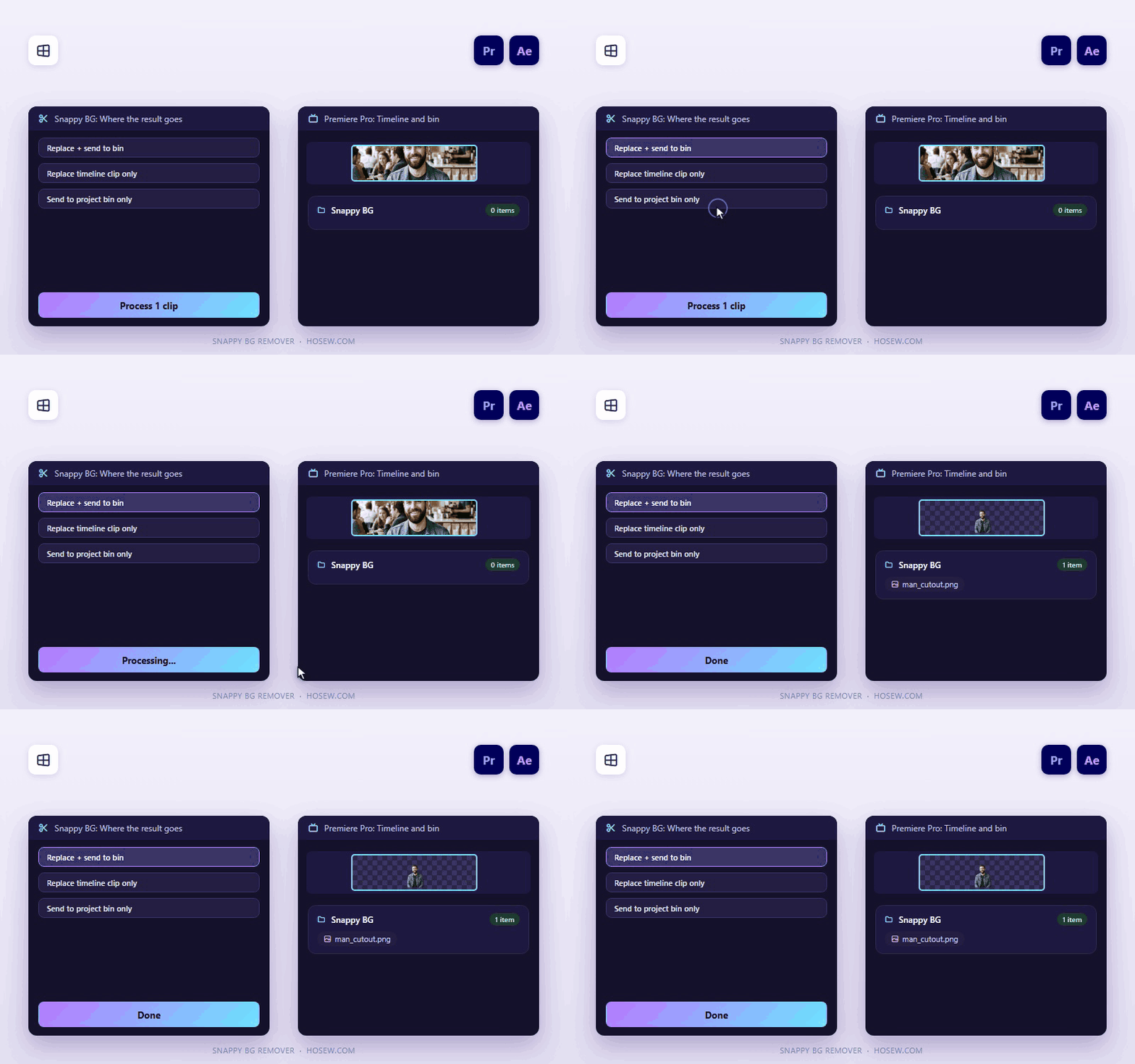
Replace in place or send to a bin
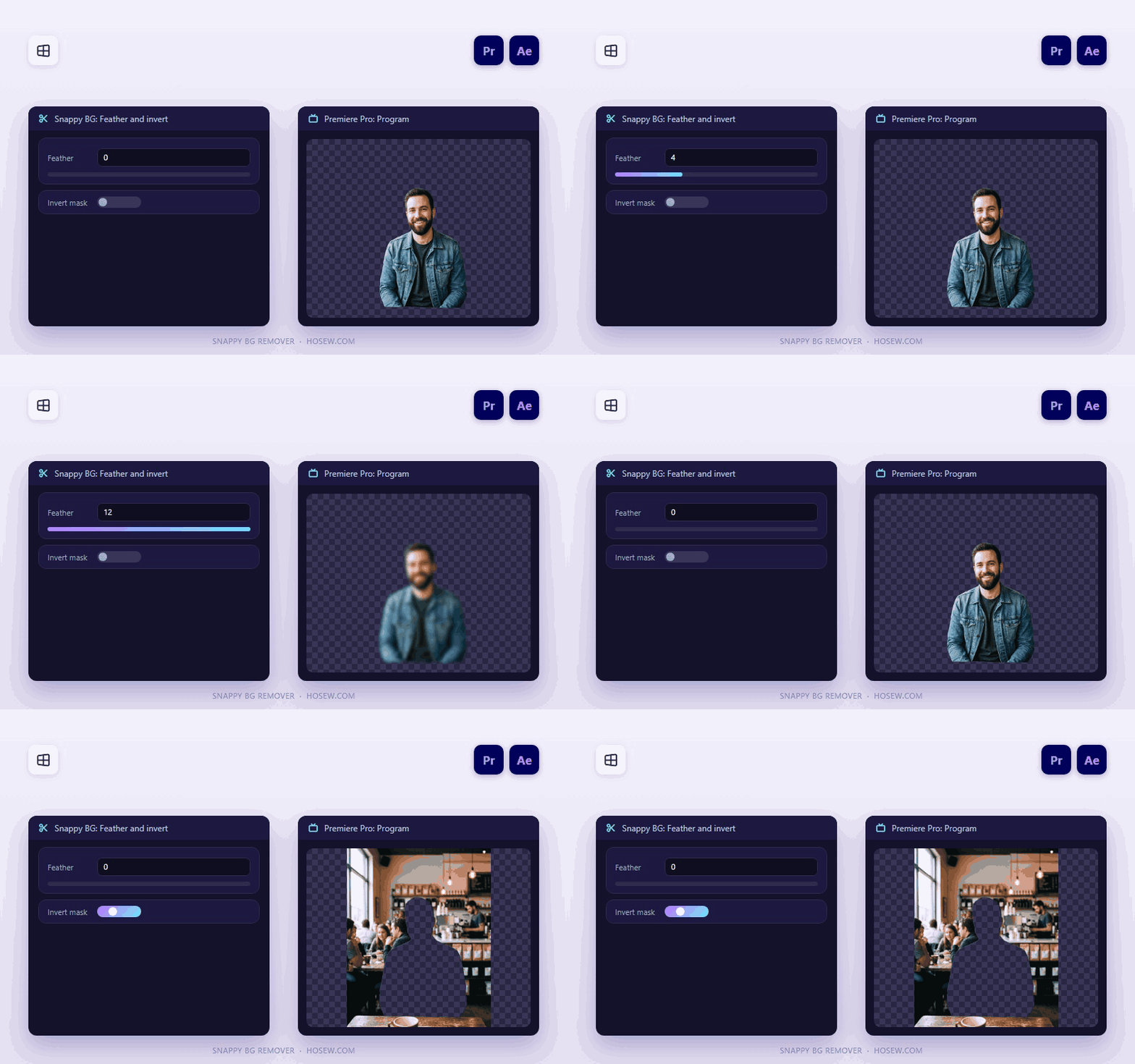
Feather and invert the matte
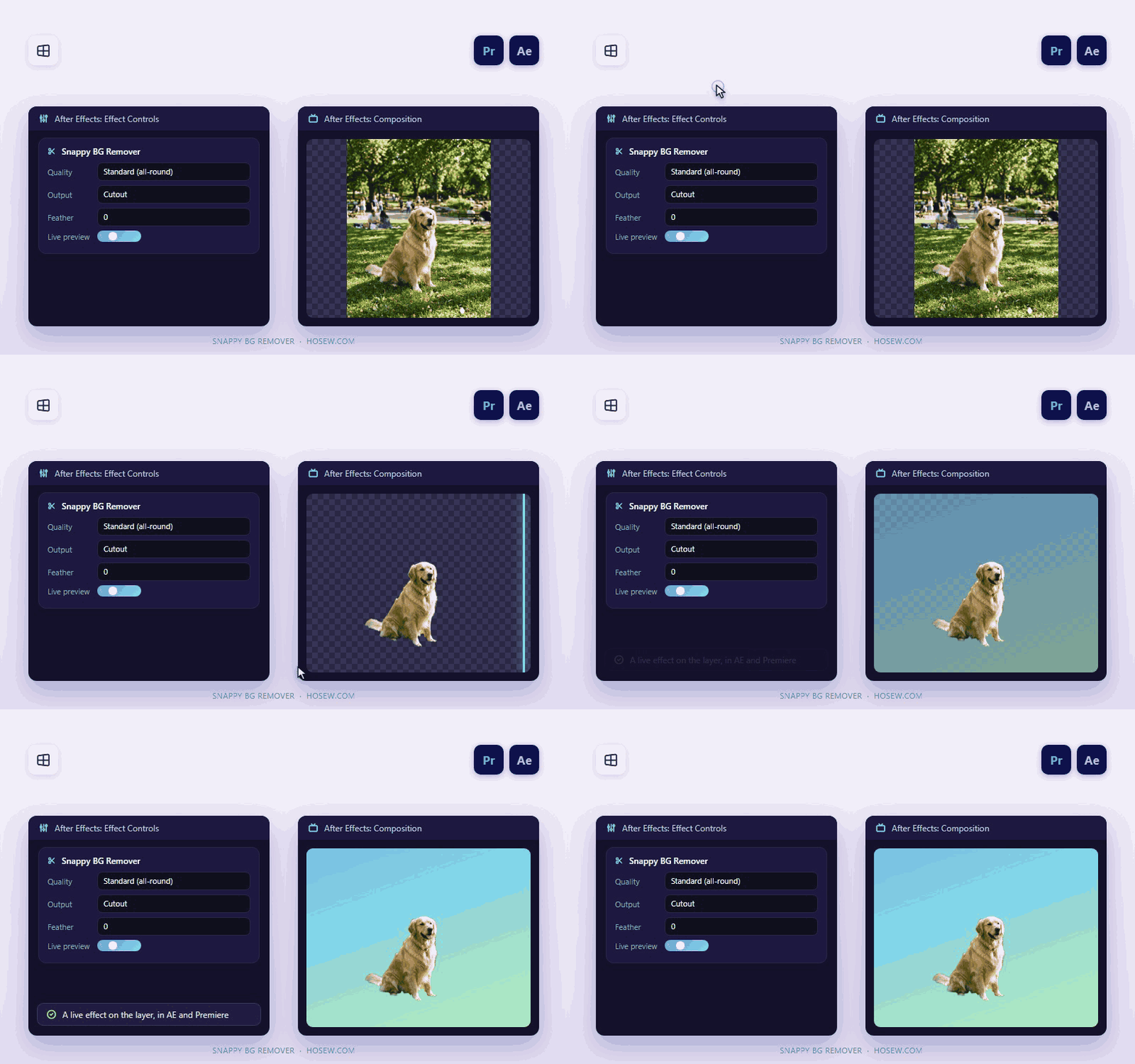
After Effects effect included
Fast on NVIDIA GPUs
Fast on NVIDIA GPUs
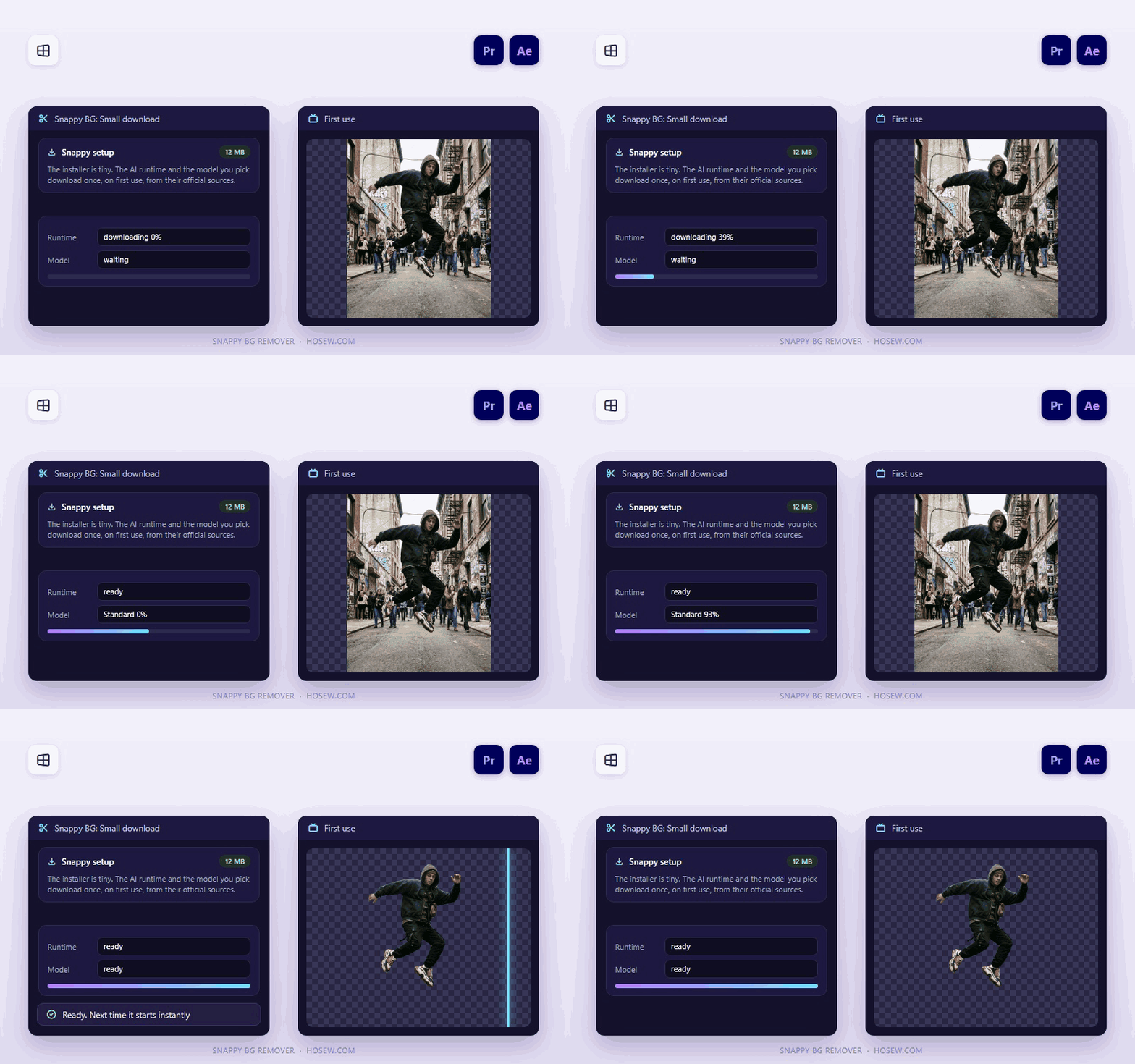
12 MB installer, models on first use
Launch offer: $5 instead of $20 (75% off) — limited time.
14-day refund, no questions asked.

Get started in three steps

1

Install the panel

Run the 12 MB Windows setup. It installs the Premiere Pro panel and the After Effects effect.

2

Open Snappy

Restart Premiere Pro, then Window > Extensions > Snappy BG. The first run downloads the AI runtime and models once.

3

Select clips, press Process

Pick a quality mode, select image clips on the timeline and press Process. Cutouts replace the clips or go to a bin.

Frequently asked

Which systems and versions does it support?+

Windows 10/11 (64-bit), with Premiere Pro and After Effects. An NVIDIA GPU with 8 GB or more is recommended; it also runs on the CPU, more slowly. It doesn't run on macOS yet.

Why is the installer so small?+

The setup is only 12 MB. On first run it downloads the GPU runtime (about 2 GB) and the model you pick (about 1 GB) once, from their official sources.

Are my images uploaded anywhere?+

No. All processing happens on your own computer.

Do I get future updates?+

Yes. Updates within version 1 are free and appear in your Gumroad library.

What if it doesn't work for me?+

Ask for a refund within 14 days and you get it, no questions asked. You can also message support on WhatsApp +20 155 155 3467 or at support@HosEw.com.

Ready to try Snappy BG Remover?

Get it for $5 instead of $20 while the launch offer lasts — or message us on WhatsApp for an even lower price.

Snappy BG Remover
$5 USD$20-75%